
Author

The challenge every content team faces
Picture this: Your marketing team creates stunning, on-brand content. Then another department publishes something that looks like it belongs to a completely different organisation. Sound familiar?
The real challenge isn’t creativity – it’s maintaining brand consistency across multiple content creators without crushing their creative spirit.

Why page builders fall short
When WordPress’s basic editor proved too limiting, page builders seemed like the perfect solution. These powerful plugins promised unlimited creative freedom, and for small sites with a single owner, they deliver exactly that.
But here’s the catch. On larger sites, that unlimited freedom can become unlimited chaos. Page builders hand your content creators a blank canvas with every tool imaginable – which sounds great until your carefully crafted brand guidelines go out the window. Accessibility is at risk too.
The sweet spot: custom blocks
There’s a smarter way forward.
WordPress’s modern block editor has evolved far beyond its predecessors. By building custom blocks you can create a content management solution that does something really useful: it constrains where constraints matter and opens up possibilities where they enhance your brand.
Think of custom blocks as smart guardrails. They guide content creators toward accessible, brand-compliant choices while still giving them the flexibility to create engaging, distinctive layouts. The result? Content that’s creatively satisfying, accessible, and unmistakably yours.
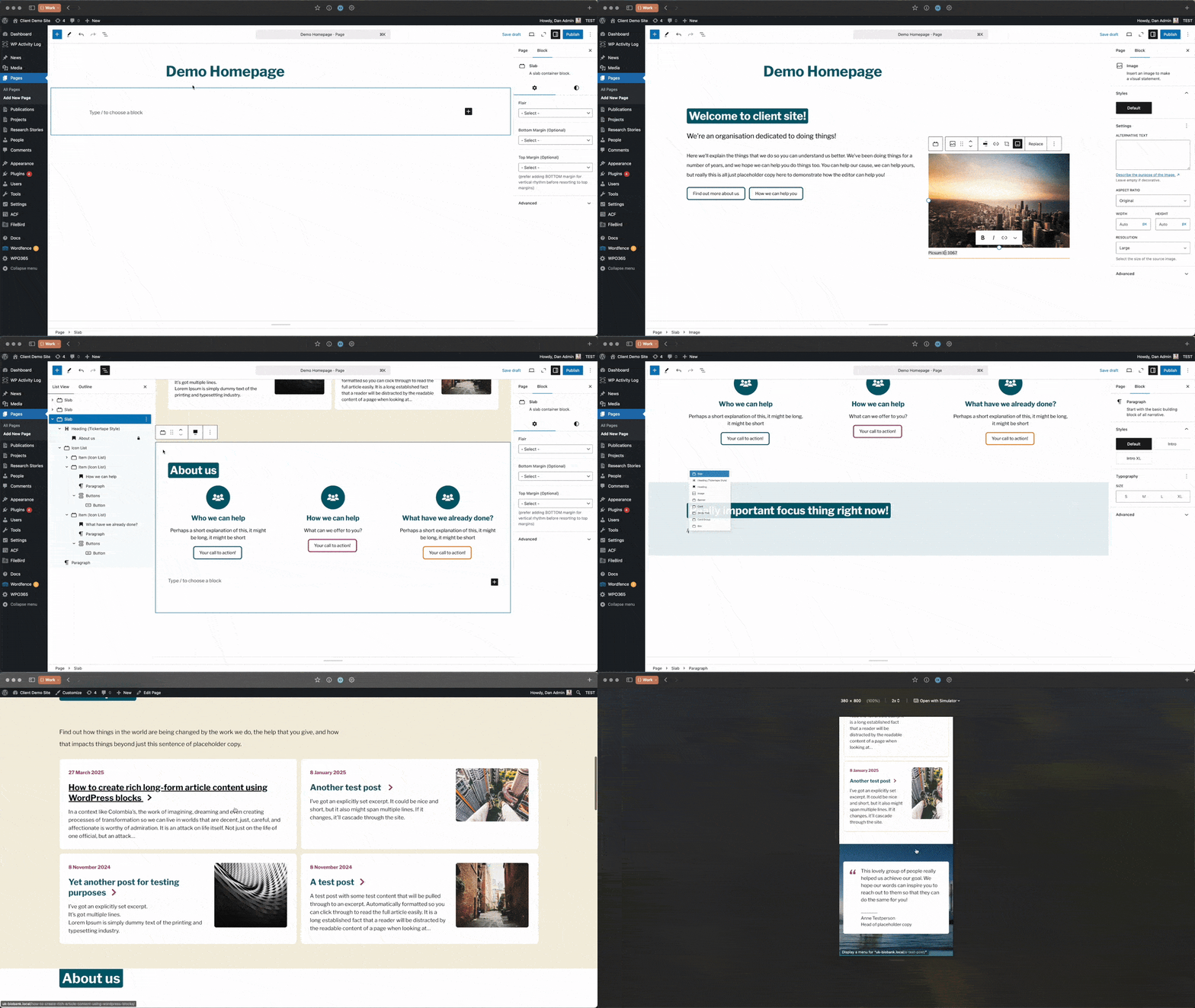
Each custom block can be tailored precisely to your organisation’s needs – meeting brand owners’ requirements while empowering content teams to do their best work.
When structure matters: building content that works harder
Structured content
Some content needs structure. Consider a team member profile: you might need consistent fields for qualifications, office location, specialisms, contact details, and social links. Random formatting here doesn’t just look messy – it results in an inconsistent user experience.
This is where content design becomes crucial. Good content design isn’t about restrictions; it’s about creating structures that make information findable, scannable, and useful.
The Advanced Custom Fields (ACF) plugin for WordPress provides the foundation for building exactly these kinds of structured content types. Its interface makes defining custom content structures remarkably straightforward.
The professional approach: code-first for bulletproof reliability
Here’s where professional, engineered WordPress implementations separate themselves from the pack.
While ACF’s user interface is powerful, exposing it to multiple users introduces risk. A well-intentioned change could break templates, disrupt integrations, or compromise data integrity.
The professional approach? Register your content structures in code and disable the admin interface. This means every structural change flows through proper code review, testing, and deployment processes – the same rigorous workflow our development team uses for everything else.
It’s not about limiting capability. It’s about ensuring reliability, maintainability, and peace of mind.