
Author
I’ve had a mild obsession with Voronoi patterns for a while. There is something about the way they naturally partition space with both an organic and mathematical feel that makes them a great design element rather than just a visual curiosity.
What is a Voronoi pattern?
If you haven’t come across them before, a Voronoi diagram takes a set of “seed” points and divides an area into regions based on proximity. Every point within a region is closer to that region’s seed point than to any other seed point.
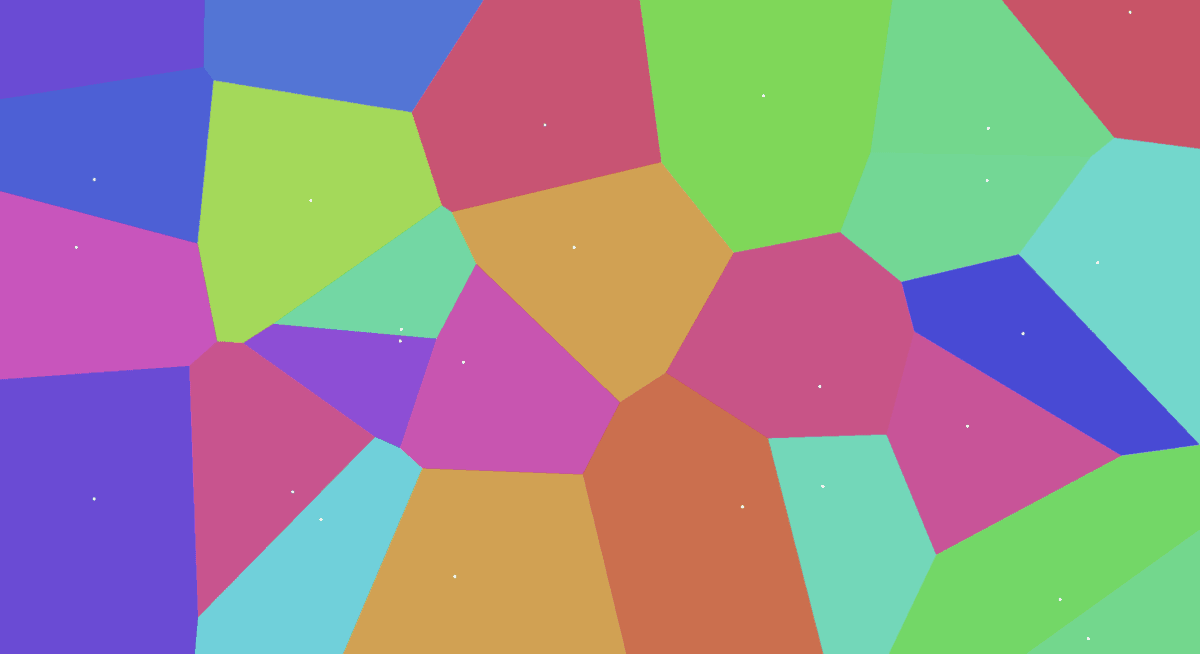
The result is a tessellation of irregular, interlocking polygons that looks like natural phenomena such as cracked mud, giraffe patches, or a microscope slide of biological cells.
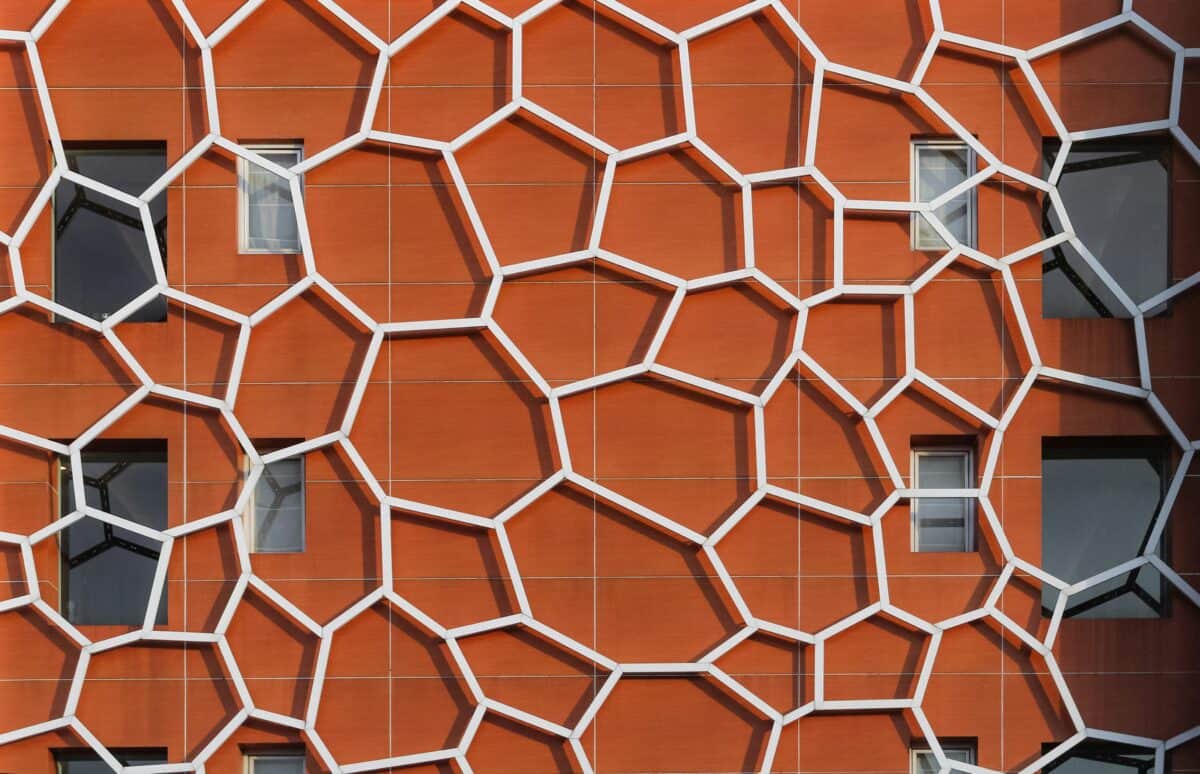
They aren’t a new idea, they have been around since before the 19th century, yet only in recent times has modern compute power allowed their simple calculation and use.
They crop up in computational geometry, game map generation, and data visualisation. Once you know, you will start seeing them everywhere – the Baader–Meinhof phenomena will be in full swing.
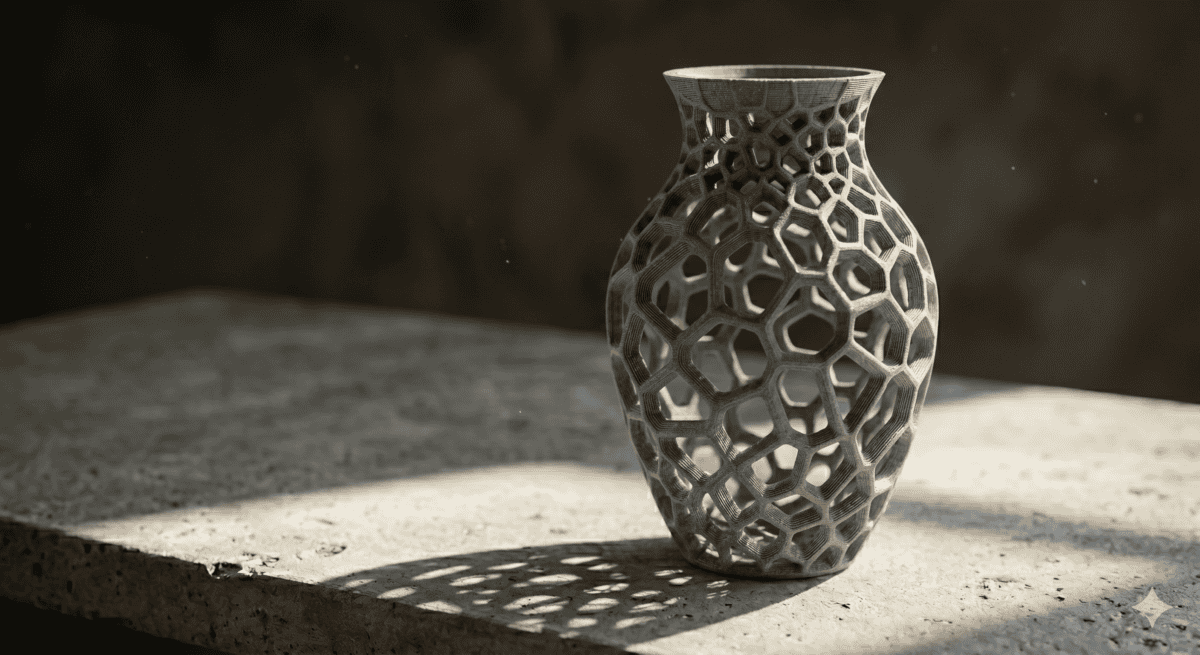
As a visual device, they are distinctive without being overdone, which is exactly why they are so appealing as a design ingredient.
Voronoi image masking
Recently, I found myself wanting to use a voronoi pattern as an image mask. Specifically, I wanted a halftone-style fade effect where an image gradually dissolves into a background through a field of Voronoi cells, shrinking and disappearing toward one edge. In my head, it looked great. In practice, I had no obvious tool to make it happen, or even test if it was a dumb idea.
The problem with off-the-shelf tools
I needed to create an svg image mask that used Voronoi cells as a halftone grid, fading directionally from opaque to transparent. Simple enough as a concept, but no existing tool does this that I know of.
This is a situation designers know well. You have a very specific visual idea, and the gap between what you can imagine and what your current toolkit supports is just wide enough to be genuinely frustrating.
Your own tools, your own aesthetic
This is the part I find genuinely exciting. In 2026, we can make our own tools quickly and easily. Though we need to be careful about developing tools using AI from a security or maintainability perspective, it is perfect for creating a tool like this. It becomes part of your branding visual language rather than something anyone with the same plugin library can reproduce.
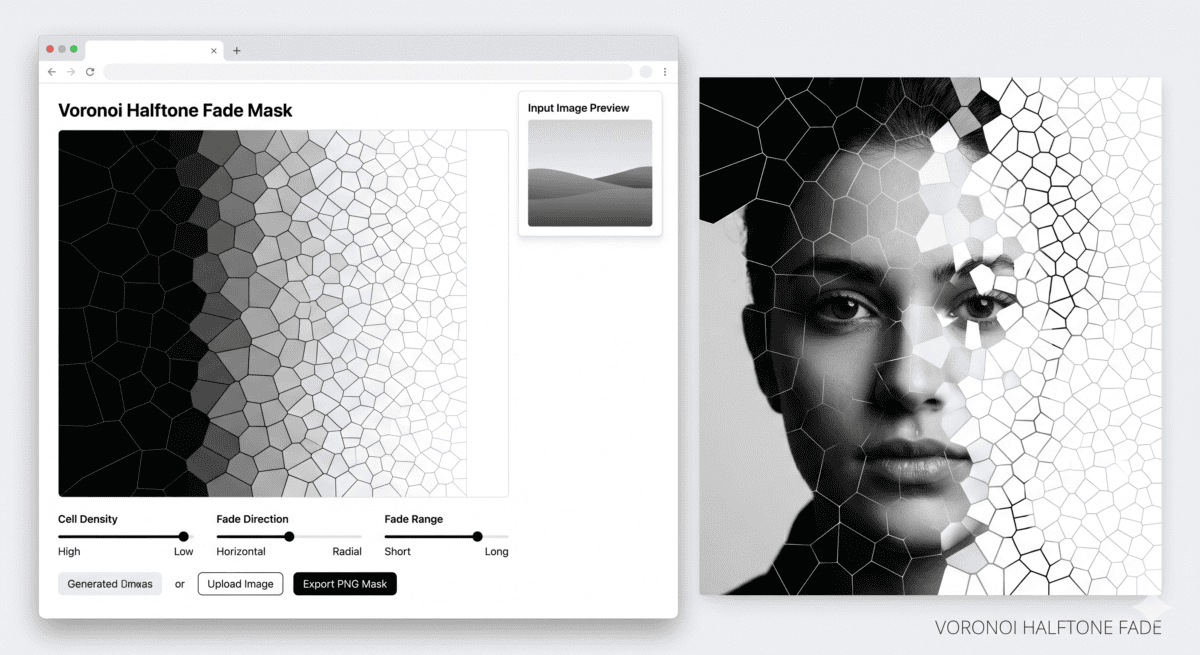
This tool, and various iterations of it have allowed me to create complex SVGs used for image masking – here’s the final result:
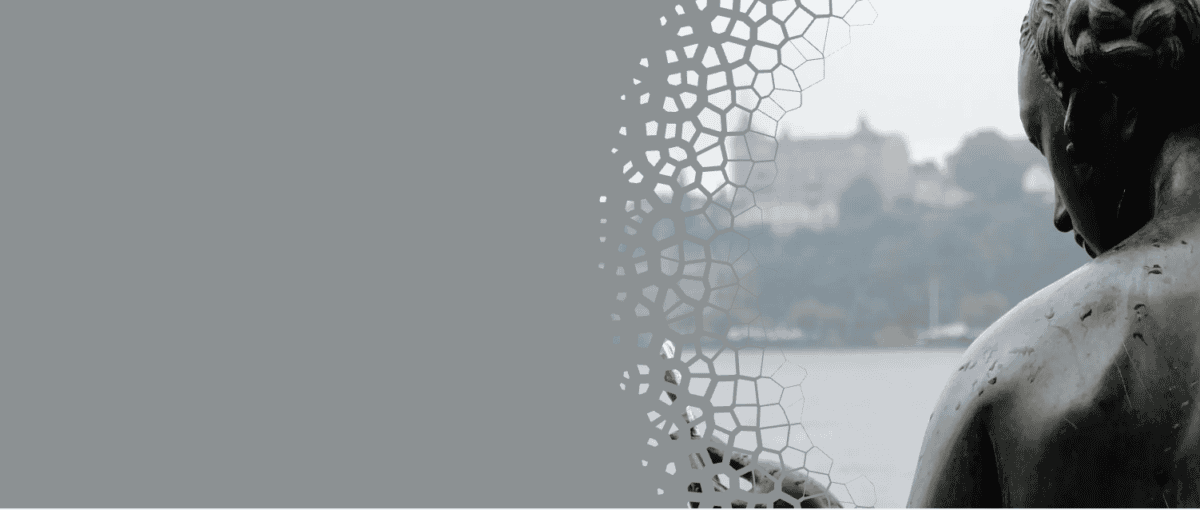
Creating this by hand would have taken considerable effort, and frankly I’m not sure I could have drawn it all manually. What the tool produces is a clean, optimised SVG. One click generates a unique set of masks, ready to drop into different contexts and adding to the organic feel throughout.
Don’t use AI to do the creative work, use it to build the tools for you to become more creative.
Building these kinds of tools using AI is quick, efficient, and doesn’t waste time and energy on poor ideas.
Worth the experiment
If you have a visual idea sitting at the back of your mind that no existing tool supports, it is well worth trying to build it using AI. Not just because the result might be useful, but because the process of describing what you want forces you to think clearly about your own aesthetic instincts.
You could end up with something that is genuinely unique and your own.